Diagram Hierarchies
Everyone should be able to read your architecture and quickly find what they need. Leaders want the big picture. Teams want their part. Engineers want details. Diagram hierarchies make this possible by showing the same system at different levels, all connected. We take inspiration from the C4 model for simple, clear levels, but you can use them in the way that fits your organization.
Different Levels for Different Roles
Each level narrows the scope and increases detail, so anyone can quickly land on the information they need:
| Level | Focus | Who typically benefits |
|---|---|---|
| Landscape / Context (L, C1) | What systems exist, how they relate, and which users touch them | Executives, product owners, customer-facing roles |
| Containers (C2) | Key applications, services, and databases plus their interactions | Product teams, solution architects, platform engineers |
| Components (C3) | Internal modules or services inside a container | Developers, tech leads, reviewers |
Every level uses the same simple notation - named boxes for elements, arrows for flow, short annotations for protocols or data. Because each diagram pulls from the same Revision model, you can tailor the depth for each audience without redrawing or risking inconsistent information.
Linking Views Keeps Everyone Oriented
Linked diagrams behave like a zoomable map of your architecture. A stakeholder can start in a landscape view, click a system to read its container diagram, and drop into a component view for implementation details. From low-level diagrams they can move back up to see which teams or user journeys rely on that piece. You create these links by attaching diagrams to the components, relations, or boundaries they elaborate on, and Revision keeps track of the relationships so navigation stays effortless.
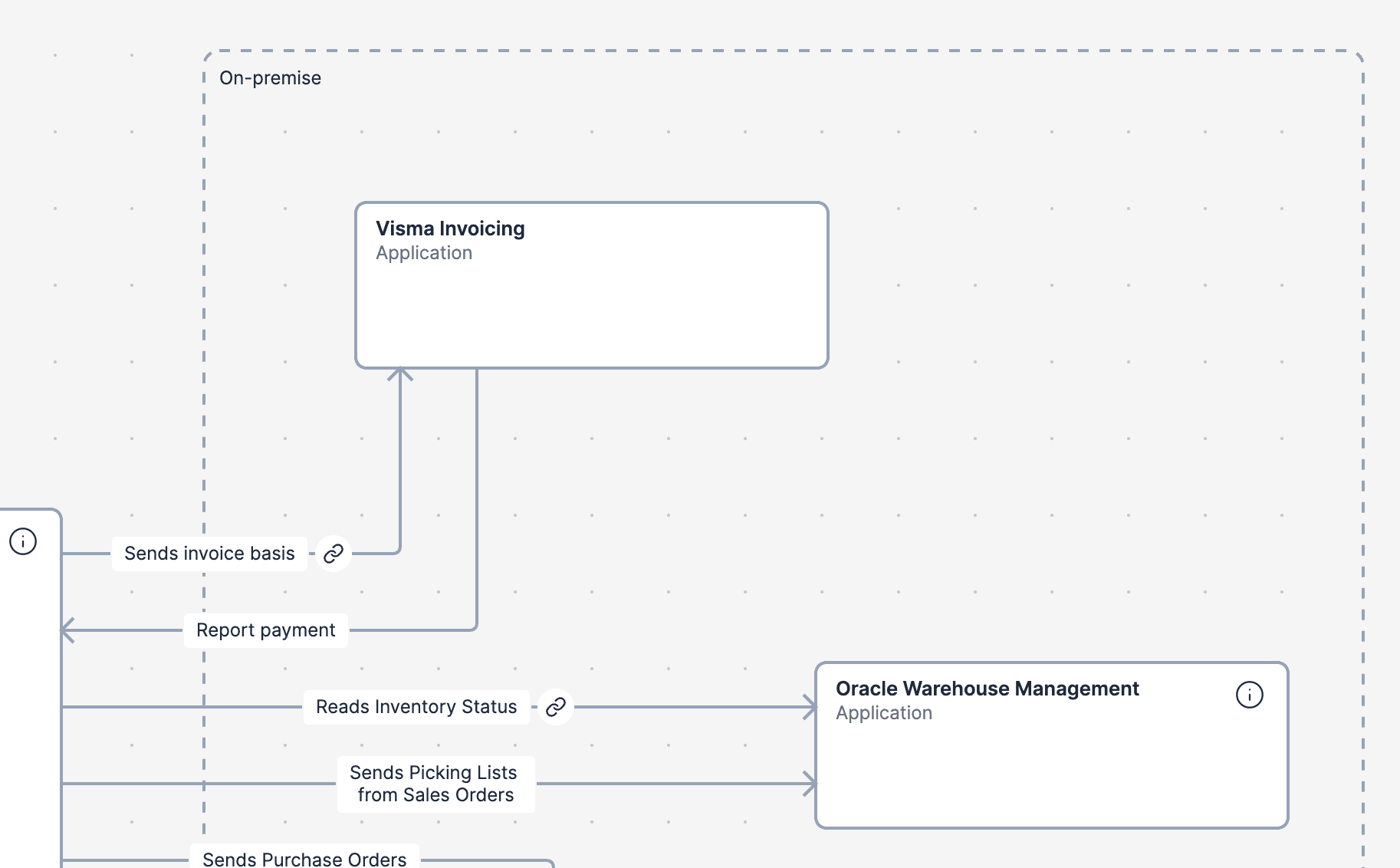
When every role can move between levels confidently, architecture discussions become more inclusive, decisions are easier to communicate, and your diagrams stay useful long after they’re created.
Model-based
Learn about model-based diagramming in Revision - how building a structured model behind your diagrams enables reuse, dependency analysis, and smarter architecture documentation.
Diagrams
Learn how to create and manage architecture diagrams in Revision using the C4 model. Understand diagram levels, tools, and lifecycle management.